Pay per sale. See every peso.
A brand sets a commission. Creators and affiliates share their own link and code. Every order shows its status to both sides, from pending to paid.
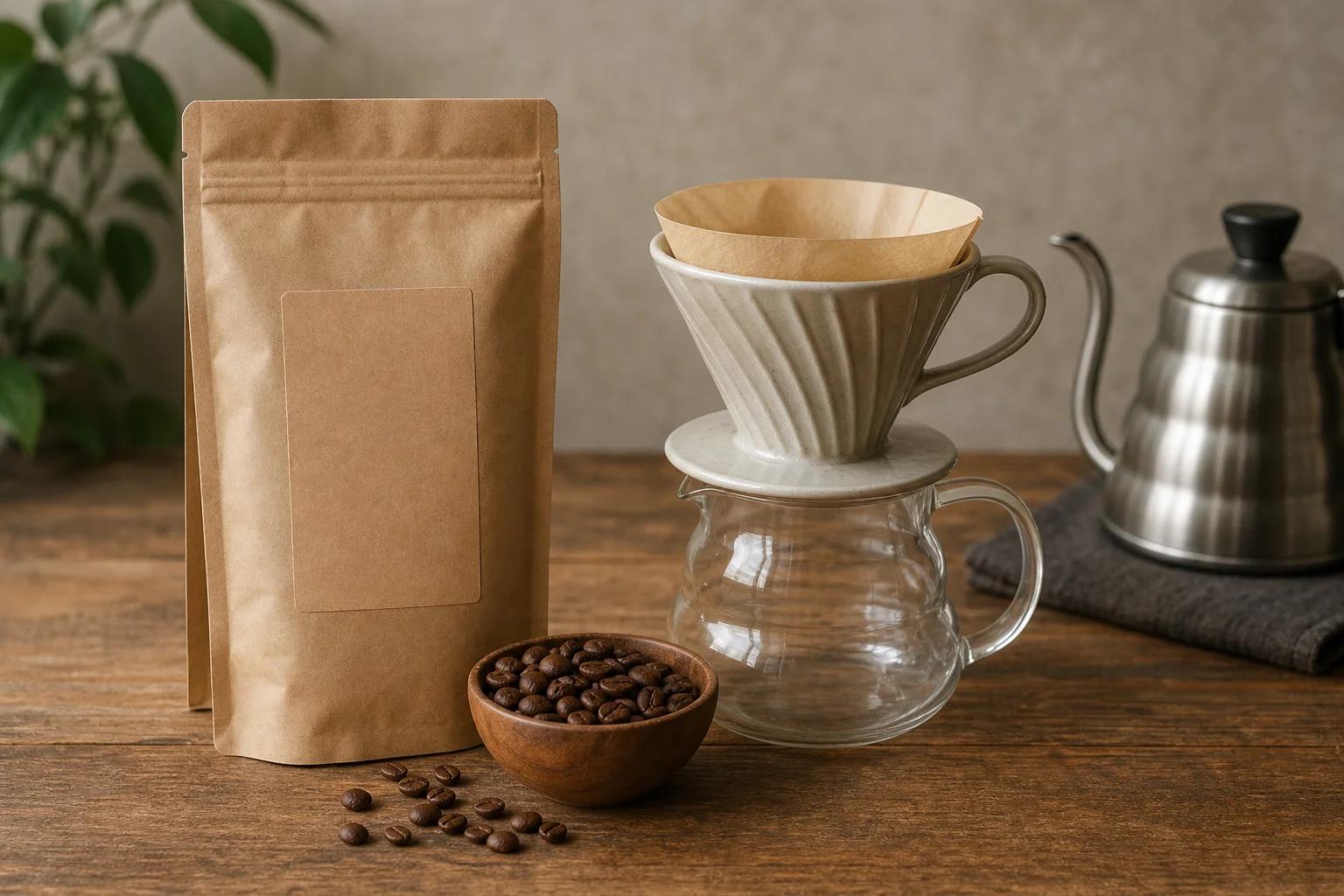

House blend beans, 250 gKape Kanto
10%of each confirmed sale. About ₱45 on a ₱450 order.
- Confirmed after
- 14 days
- A click counts for
- 30 days
- Who can join
- Approved by the brand
Apply
A ledger both sides can read.
Each conversion has a status, an amount and a next step. A rejected or flagged order always shows its reason, to the affiliate and to the brand.
| Order | Order total | Commission | Status | What happens next |
|---|---|---|---|---|
| KK-2041 | ₱900 | ₱90 | Paid | In your wallet since 28 Nov |
| KK-2056 | ₱450 | ₱45 | Confirmed | Goes to your wallet on the next payout day |
| KK-2063 | ₱1,350 | ₱135 | Pending | Confirms on 18 Dec, after the return period |
| KK-2064 | ₱450 | ₱0 | Rejected | The order was returned |
| KK-2070 | ₱450 | ₱45 | In review | Flag: the buyer and the affiliate share a phone number |
- Pending
- ₱180
- Confirmed
- ₱45
- Paid
- ₱90
A link and a code for every partner.
An approved partner gets both at once. The offer page shows what each one earned.
- Short linkCounts clicks. A click stays valid for the number of days the offer states.
- Promo codeFor buyers who do not click a link. Orders with the code count the same way.
- Apply and approveAn offer accepts everyone, or the brand approves each partner.
- Short link…/ana-kape
- Promo codeANAKAPE10
- Clicks on the link312
- Orders with the code21
Copy linkCopy code
Confirm in bulk. Flags come first.
Brands confirm or reject many orders in one step. Orders that look wrong wait in a review queue before they reach a payout.
- Confirmation periodOrders become ready to confirm when the period on the offer ends.
- FlagsFor example a buyer who shares a phone number with the affiliate.
- Reasons on recordEvery rejection and every hold carries a reason that both sides can read.
- 3 orders past the return periodReady to confirm
- 1 order returned by the buyerReject
- 1 order with a flag: same phone numberCheck first
Confirm 3Open the flagged order
The affiliate sees the same status and the same reason.
One wallet for everything you earn.
Commissions, released deal payments and task rewards arrive in the same wallet in your SwayMints account.
- Three statesPending, held and available are separate numbers. Nothing is mixed.
- A source on every rowEach entry opens the order, deal or task it came from.
- PayoutsGCash, Maya and bank transfer are the planned payout methods. They are not live yet.
- Available
- ₱8,450
- Held
- ₱6,500
- Pending
- ₱180
- Released · Kape Kanto deal+₱6,500
- Commission · order KK-2041+₱90
- Task reward · café survey+₱15
- Payout requestedProcessing
Every row opens the deal, order or task it came from.
What each side gets
If you sell a product or a service
- Pay for resultsA percentage of each sale, or a fixed amount per order.
- Choose your partnersApprove each one, or open the offer to everyone.
- Confirm with a reasonBulk confirm, reject or hold, always with a reason.
- Link it to a campaignGive campaign creators a link from the same offer.
If you promote and earn
- See the terms firstCommission, confirmation period and approval rule are on the offer.
- Your own link and codeBoth are created when you join an offer.
- Know where each order standsPending, confirmed, rejected or paid, with the next step.
- One walletCommissions sit beside your other SwayMints earnings.
Questions
When does a commission count?
Each offer states its confirmation period, for example 14 days, so that returns are settled first. Until then the commission shows as pending.
What happens when an order is returned?
The brand rejects the conversion and picks a reason. The affiliate sees the same status and the same reason.
Do I need a following to be an affiliate?
No. An affiliate account does not need a creator profile. You apply to an offer, and the brand approves you or the offer accepts everyone.
Can a creator in a campaign also earn commission?
Yes. A brand can give a campaign creator a link and a code from one of its offers, so one deal can carry a fee and a commission.
Set one commission.
Start with one product and one rate. Add partners as they apply.